
Guide · Windows 11 and 10
Is it safe to delete temp files in Windows?
Short answer: yes. Temporary files are working files apps and Windows create and are supposed to remove themselves. Many never do, and after a year they can add up to several gigabytes.
Where are temp files?
%TEMP%, which isC:\Users\<you>\AppData\Local\Temp: your apps' temporary files.C:\Windows\Temp: temporary files from Windows and installers. Needs administrator.- Windows Update downloads, delivery optimization files, thumbnail caches and error reports, which Storage settings and Disk Cleanup list separately.
Why it is safe
Apps create temp files for the job at hand and should not rely on them later. Anything an app still has open is locked, and Windows simply skips it when you try to delete it. The worst case is losing an unsaved recovery file of an app that crashed, so close your apps and save your work first.
Method 1: Settings
Settings > System > Storage > Temporary files. Tick the categories, leave Downloads unticked unless you mean to empty your Downloads folder, and click Remove files.
Method 2: by hand
- Press Win+R, type
%temp%and press Enter. - Press Ctrl+A, then Shift+Delete.
- When Windows says a file is in use, tick Do this for all current items and choose Skip.
Method 3: automatically
Turn on Storage Sense in Settings > System > Storage and Windows clears temp files on its own.
What to leave alone
- Prefetch (
C:\Windows\Prefetch): it speeds up app launches and Windows limits its size. Clearing it makes the next launches slower, not faster. - Downloads: listed next to temp files, but it is your folder.
- Temp files of an installer that is still running: finish or cancel the install first.
How Cosmo Cleaner handles it
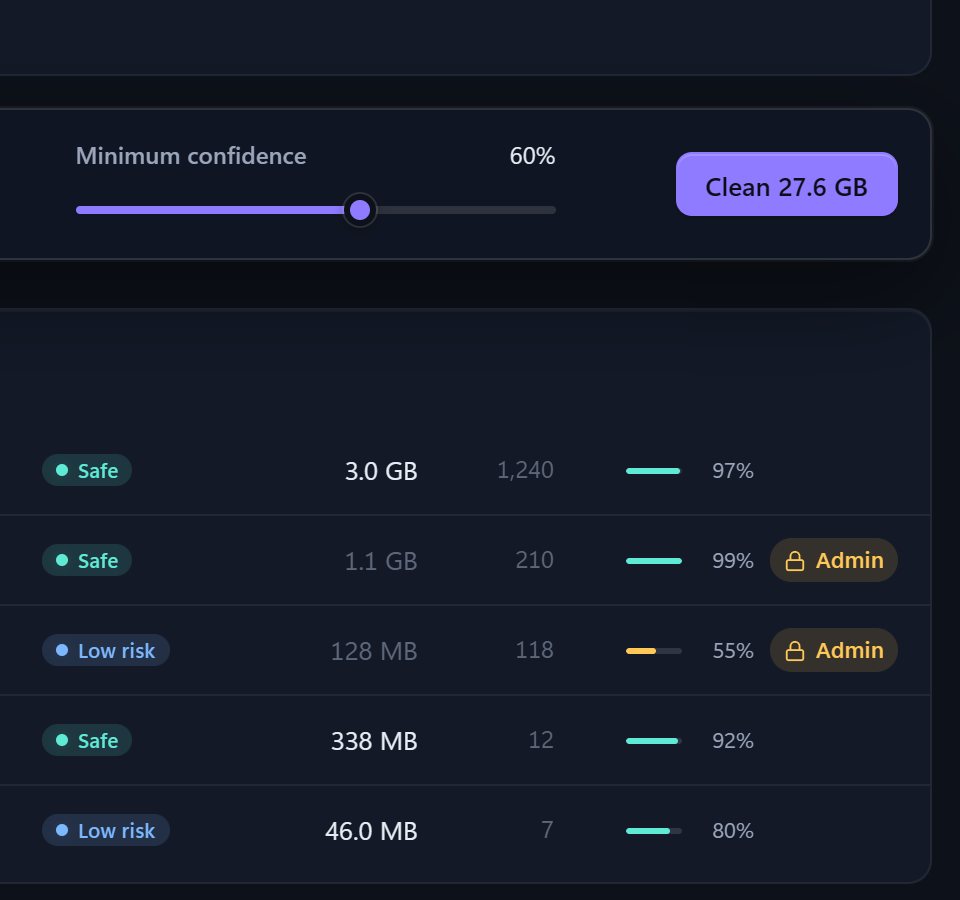
Cosmo Cleaner's cleaner covers temp files and 36 other junk categories, including browser and shader caches, crash dumps, logs and Windows Update leftovers. Each row shows its size, a risk badge and a confidence score with the reason, you see the whole list before anything moves, and removed files wait in a vault for 30 days in case something needed one.
Questions
Can deleting temp files cause problems?
Rarely. Files in use are locked and skipped. The main risk is an unsaved recovery file of a crashed app, so save your work and close apps first.
How often should I delete temp files?
Monthly is plenty, or let Storage Sense do it automatically.
Does deleting temp files speed up my PC?
It frees space, which helps when a drive is nearly full. On a PC with plenty of free space it does not make a noticeable speed difference.